
All In One
UTV-SC
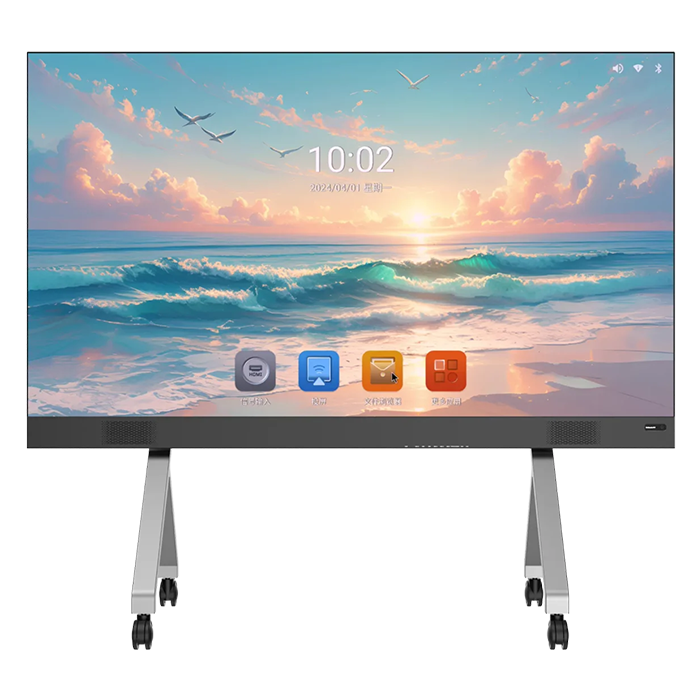
Built for meeting rooms, training spaces, and classrooms, UTV SC combines premium COB image quality, intuitive collaboration tools, and simplified deployment in a complete all-in-one solution.
Designed for Better Communication
UTV SC is an all-in-one COB LED display that simplifies collaboration in corporate, education, and training environments. Integrated wireless sharing, optional touch interaction, and built-in system components reduce complexity while creating a more engaging experience for every participant.
Premium visual performance and durable COB technology deliver long-term value for modern workspaces.
Key features
Enhance Every Meeting Experience
Share and interact without barriers.
Wireless casting, annotation tools, and optional touch functionality keep teams connected and engaged.
Make every message easier to see.
A large-format LED canvas improves visibility and engagement compared to traditional meeting room displays.
Support demanding workplace environments.
Designed for continuous operation across conference rooms, training centers, and classrooms.
Installation & Deployment
Simplify Deployment and Ownership
Reduce system complexity.
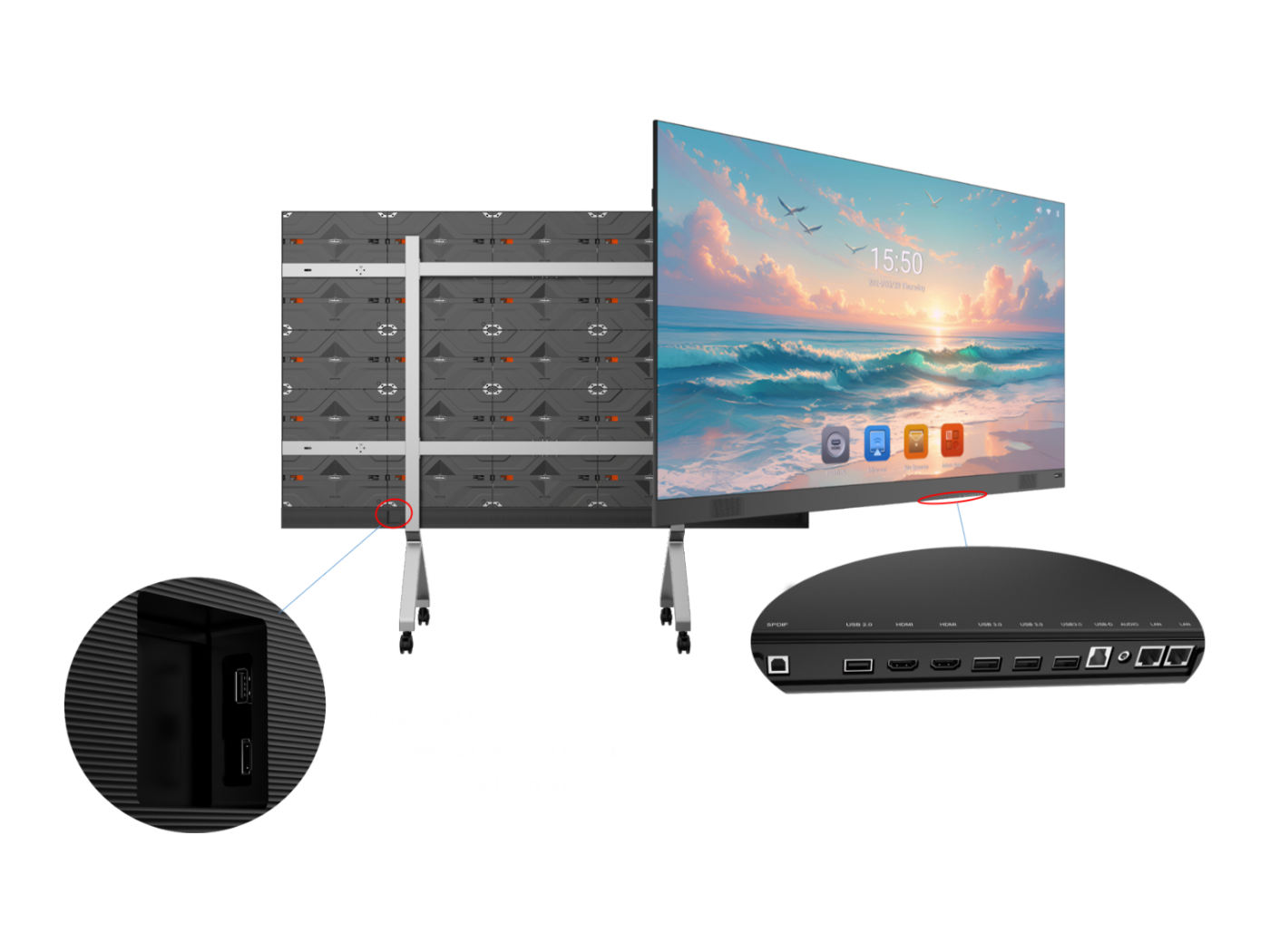
Integrated processing, audio, and connectivity eliminate the need for multiple external components.
Get spaces operational sooner.
A modular design streamlines setup and helps reduce installation time.
Lower maintenance demands over time.
Durable COB construction helps minimize upkeep and supports long-term reliability.
Technology
COB Technology That Delivers More
Improve image quality and durability.
COB technology enhances visual uniformity while protecting the display surface from everyday wear.
Create a more comfortable viewing experience.
Low blue light and surface light design support extended viewing in professional environments.
Adapt to different workflows.
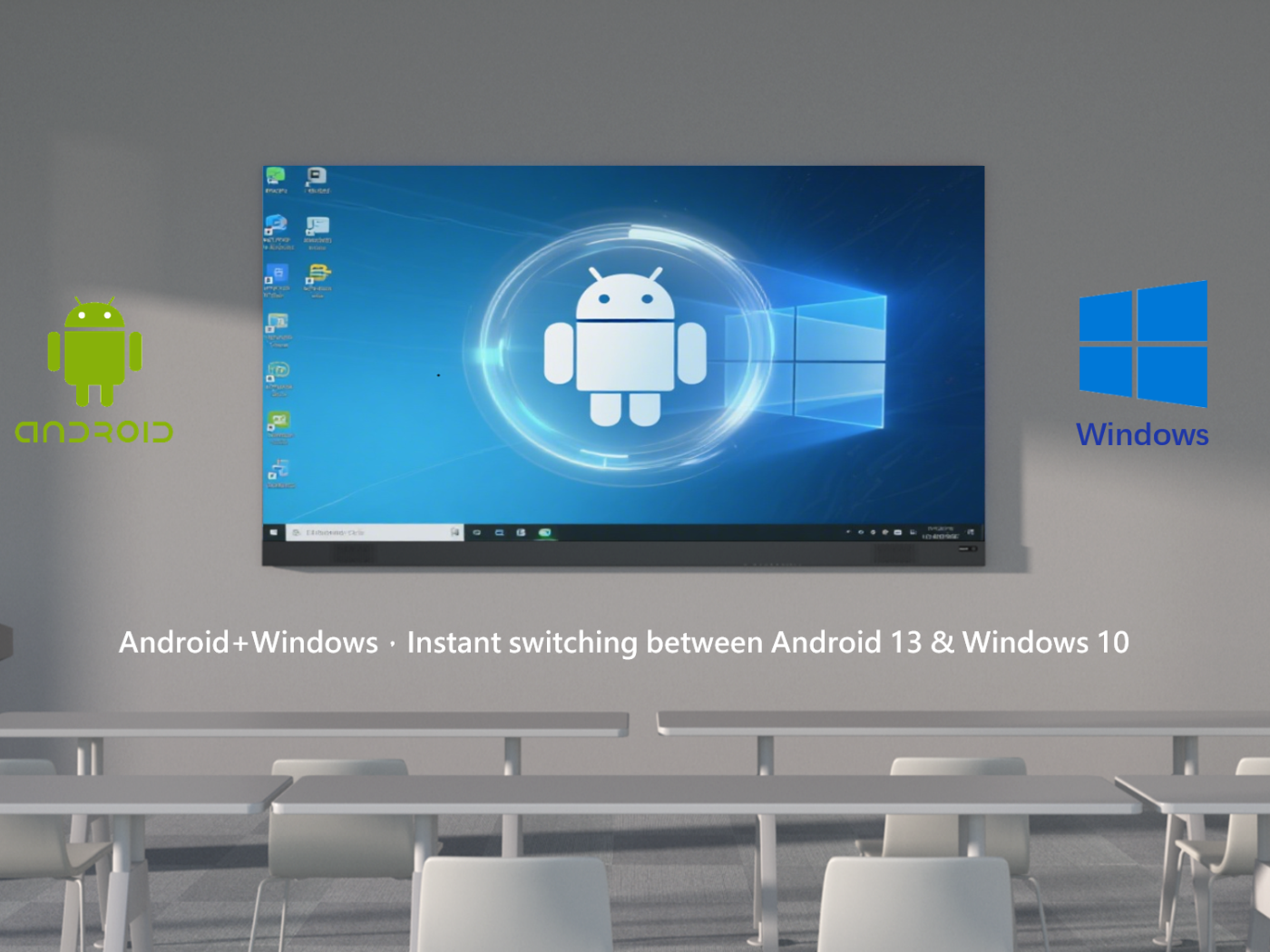
Support Android and optional Windows operating environments for greater flexibility and compatibility.
In the field
Built for Collaborative Environments
Specs
Every number a site plan needs
- Pixel pitch
- 1.2 mm
- Cabinet size
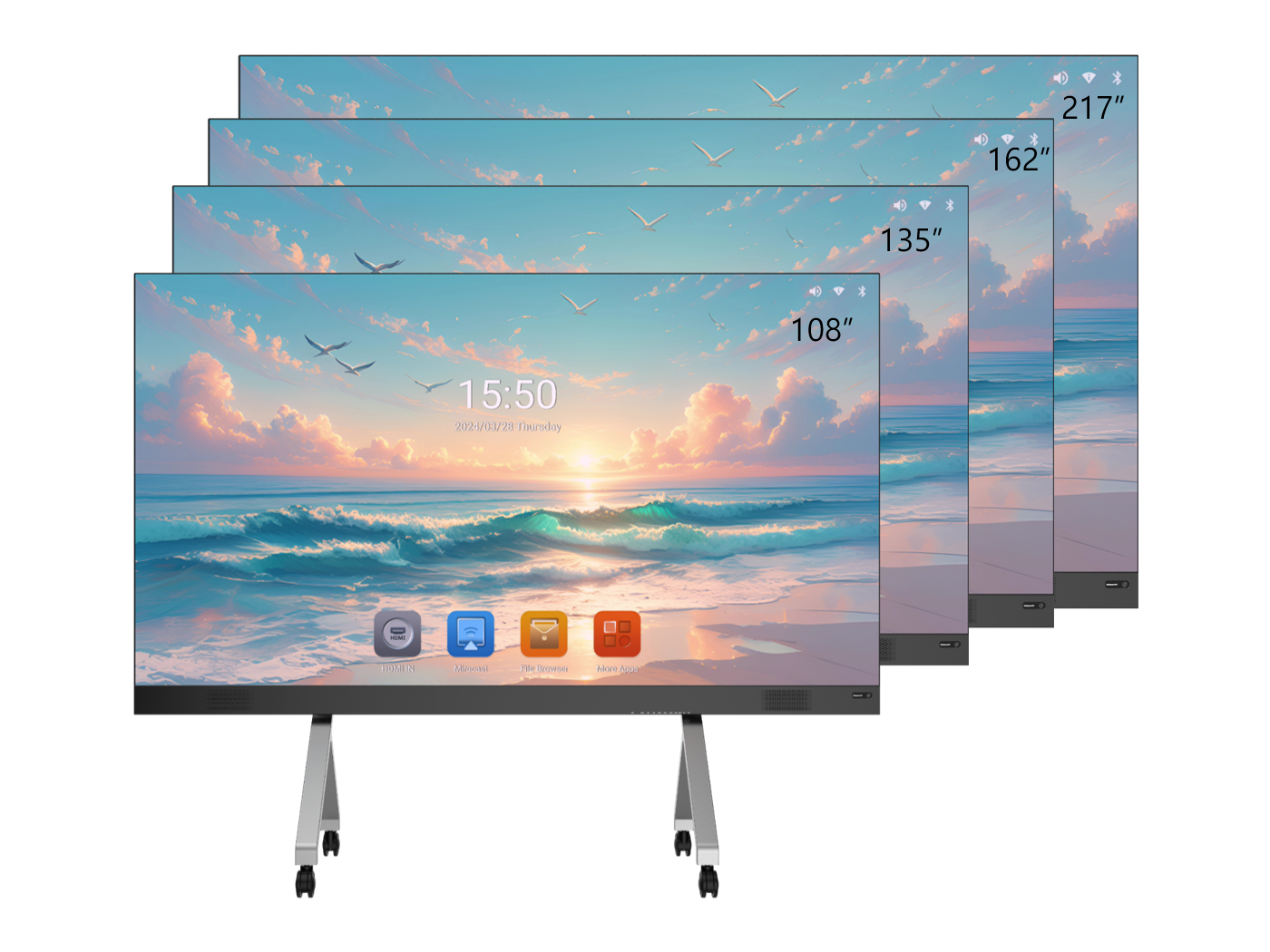
- 108"
- Cabinet resolution
- 1920 × 1080
- Brightness
- 600 nits
- Refresh rate
- 3,840 Hz
- Weight
- 176.4 lbs / 80 kg
- Max power
- 880 W peak
- Pixel pitch
- 1.2 mm
- Cabinet size
- 108"
- Cabinet resolution
- 1920 × 1080
- Brightness
- 600 nits
- Refresh rate
- 3,840 Hz
- Weight
- 198.4 lbs / 90 kg
- Max power
- 892 W peak
- Pixel pitch
- 1.5 mm
- Cabinet size
- 135"
- Cabinet resolution
- 1920 × 1080
- Brightness
- 600 nits
- Refresh rate
- 3,840 Hz
- Weight
- 277.8 lbs / 126 kg
- Max power
- 1,105 W peak
- Pixel pitch
- 1.5 mm
- Cabinet size
- 135"
- Cabinet resolution
- 1920 × 1080
- Brightness
- 600 nits
- Refresh rate
- 3,840 Hz
- Weight
- 299.8 lbs / 136 kg
- Max power
- 1,260 W peak
- Pixel pitch
- 1.8 mm
- Cabinet size
- 162"
- Cabinet resolution
- 1920 × 1080
- Brightness
- 600 nits
- Refresh rate
- 3,840 Hz
- Weight
- 396.8 lbs / 180 kg
- Max power
- 1,500 W peak
- Pixel pitch
- 0.9 mm
- Cabinet size
- 162"
- Cabinet resolution
- 3840 × 2160
- Brightness
- 600 nits
- Refresh rate
- 3,840 Hz
- Weight
- 396.8 lbs / 180 kg
- Max power
- 2,190 W peak
Series-wide
- Form factor
- All-In-One
- LED technology
- COB
- Environment
- Indoor
- Install type
- All-In-One, Mobile
- Service access
- Front
- Status
- Current
FAQ
How close can the nearest viewer comfortably stand?
Roughly 3 ft at 0.9 mm, out to 6 ft at 1.8 mm.
Industry rule of thumb — about one metre of comfortable viewing distance per millimetre of pitch. A starting point for layout, not a substitute for a site study.
Downloads
Cutsheets6
- Unilumin COB AIO UTV SC108(2K) Specification V1.3 2024.06.07(English )PDF
- Unilumin COB AIO UTV SC135(2K) Specification V1.3 2024.06.20(English )PDF
- Unilumin COB AIO UTV SC162(2K) Specification V1.3 2024.06.07(English )PDF
- Unilumin COB AIO UTV SC162U(4K) Specification V1.2 2024.03.06(English )PDF
- Unilumin COB AIO UTV SC135(touch) Specification V1.1 2024.11(English)PDF
- Unilumin COB AIO UTV SC108(touch) Specification V1.4 2024.11(English )(1)PDF
Values in the Specs section describe the selected configuration; figures elsewhere on this page are family-level and record what the series offers across its configurations. Confirm all figures against the current spec sheet before specifying.